Running platforms · Definition
What is alert fatigue?
And how 119 emails became 8.
Alert fatigue is what happens when alarms arrive so often that people stop reading them, so the one that matters is missed among the ones that do not. It is not cured by fewer monitors. It is cured by reading each alarm before it reaches a person.
This page belongs to Running platforms. The full account of how we run alarms is in Every alarm gets a reading; this page answers the narrower question.
What causes alert fatigue
- The same cause, reported again and again. One slow service can raise the same alarm every few hours for weeks.
- Alarms that carry no reading. A monitor fires on a threshold. It does not know whether the slow requests came from visitors, crawlers or your own checks.
- No grades. If everything is sent as urgent, the word stops meaning anything.
- Your own tools. Uptime checks and tests are traffic too, and they trip the same thresholds.
The problem is older than software. Hospitals document the same thing under the name alarm fatigue: staff surrounded by alarms start to miss the one that matters.
A measured case, on our own platforms
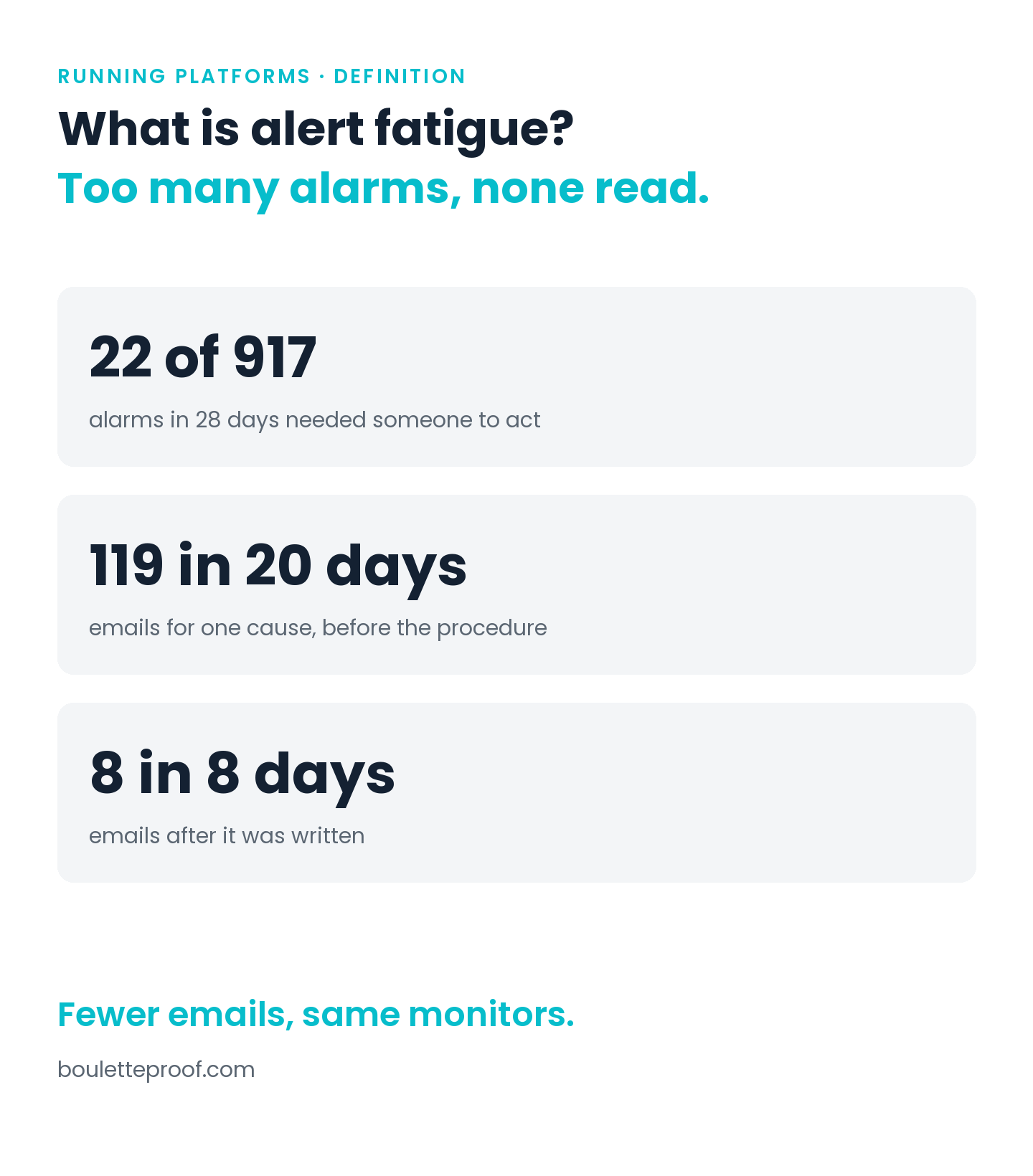
From 31 October to 28 November 2026 one place read every alarm from five platforms we run: 917 alarms. Only 22 of them were graded as needing someone to act.
On the two platforms that are ours alone, the first 20 days produced 144 alarms, almost all saying that pages were slow on one product. There was no written procedure for a slow-page alarm, so each went to a model, which answered each time that a person should look. 119 emails reached the inbox.
On 20 November the procedure was written: separate the slow requests by who made them. In the next 8 days, 22 of 26 slow-page alarms turned out to be our own uptime check or a crawler burst, with too few visitors to matter. Eight emails arrived.
How to measure it
- Emails per day. Count the messages that reach a person each day, not the alarms raised.
- Share that needed action. Of everything raised, how much needed someone to act. Ours was 22 in 917.
- Repeats per cause. If one cause accounts for most of the inbox, that cause needs a procedure, not a person.
How to reduce it
- Gather the same facts for every alarm. Who asked, did anyone get through, what changed in the minutes before, does it answer now.
- Grade it. Real incident, needs a look, handled, noise. Only the first two reach an inbox; the rest go in a daily digest.
- Make every email answer three questions. What happened, are visitors affected, what to do.
- Write the procedure once. When the same alarm keeps coming back, write down how to read it. A model asked the same question gives the same answer.
Common questions
What is alert fatigue?
Alert fatigue is what happens when alarms arrive so often that people stop reading them, and the one that matters is missed among the ones that do not.
What causes alert fatigue?
The same cause reported again and again, alarms sent without a reading of what happened, everything graded as urgent, and a team's own checks tripping its own thresholds.
How do you reduce alert fatigue?
Read each alarm before a person has to: gather the same facts every time, grade it, and send only real incidents and things that need a look. When one alarm keeps returning, write down how to read it.
Does AI fix alert fatigue?
Not by itself. In our record a model read 144 near-identical alarms and answered each time that a person should look. The emails stopped when the procedure for that alarm was written down.
Sources
Our own alarm record for five platforms, 31 October to 28 November 2026, read on 28 November 2026.
Want this run for you? See how we run platforms.
Related
- Every alarm gets a reading. The full account, with keys that open nothing.
- What is a honeytoken?. The alarm that only an intruder can raise.
- The model is the smallest part. Why the procedure carries the result.