Running platforms · Checklist
Load testing checklist.
Nine steps before a platform moves.
Load testing is sending a system the traffic it will have to carry, before real visitors do, to find where it fails. This checklist is the order we followed before moving 414 dealer websites to a new platform, with what each step showed.
This page belongs to Running platforms. Every figure comes from The Siege, our staging tests of November 2026. Nothing here is a production figure.
The checklist
- Size the test on real traffic, floods included. We counted 30 days of requests per second on the current servers. A typical minute was 12 a second, 99% of minutes were under about 100, and the highest minute was 1,000.
- Send the load from somewhere else, and watch production. The load came from its own machine, and production answer times were watched during every run. They did not move.
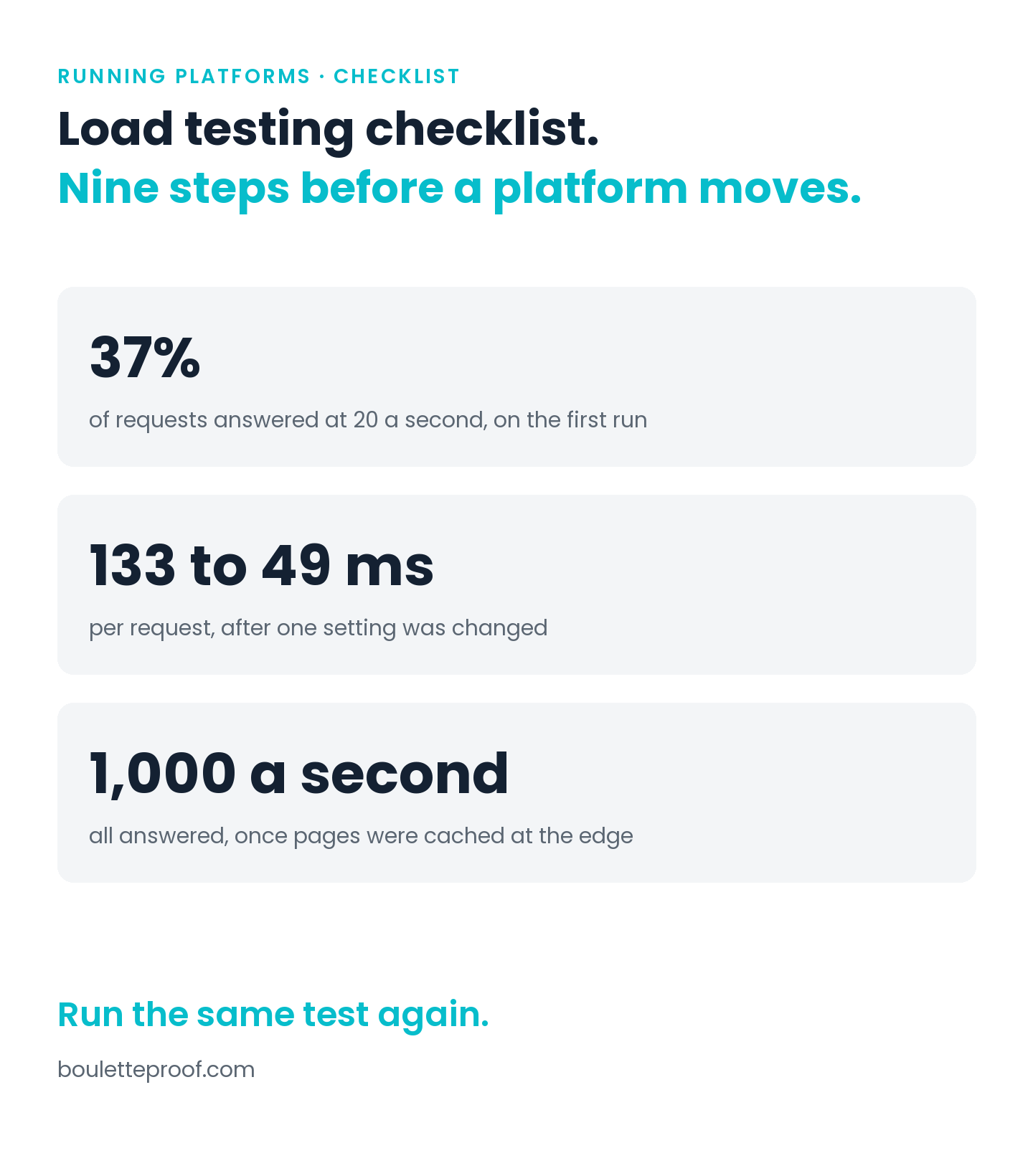
- Start small and raise the rate until it fails. One instance, then more. At 20 requests a second 37% were answered; at 40, under 1%. We stopped after three steps.
- Look at what one request does before adding servers. Each request was opening a new encrypted connection to the cache, at about 55 ms a time. Keeping the connections open took a cached page from 133 ms to 49 ms.
- Find the ceiling and name it. With up to 20 instances, everything was answered up to 100 a second. At 200 the one-CPU staging database reached 100%.
- Test the real mix, not only the easy pages. At 400 a second, 83 to 88% of cached pages were answered, but only 32 to 38% of requests in the production mix got the page they asked for.
- Test floods as their own case. With the scanner block on, a flood of 432 requests a second for missing pages went from 26% timed out to every request answered, half within 40 ms.
- Remove the question, then run the same test again. We cached the HTML at the edge and ran the same siege. The production mix at 1,000 a second went from failing to all answered, 95% within 107 ms.
- Write down what you did not test. Four scenarios were not re-run with the cache on: one instance alone, right after a cache flush, a cold start, and the stock list.
Before and after, same test
| Step | Without the edge cache | With it |
|---|---|---|
| Cached pages, 400 a second | 88% answered, 20 instances | all answered in 1 to 3 ms, 5 instances |
| Production mix, 432 a second | 38% got the expected page | all answered, 95% within 62 ms |
| Production mix, 1,000 a second | fails | all answered, 95% within 107 ms |
What the checklist does not give you
- Proof in production. These are staging figures. Production figures will be added to the article when the first sites switch over.
- The next ceiling. At the top step the database reached 100% again, from requests for missing pages that still reach the application.
- A tool. We did not compare load-testing tools, so this page does not recommend one.
Common questions
What is load testing?
Load testing is sending a system the traffic it will have to carry, before real visitors do, to find where it fails and why.
How much load should a load test send?
What production really carries, floods included. Count requests per second over a month and test the typical minute, the busy minutes and the highest one. Ours ran from 12 a second to 1,000.
What should you do when a load test fails?
Stop and look at what one request is doing before adding servers. In our tests one cache setting cut the time per request from 133 ms to 49 ms.
Is a load test on staging enough?
No. It shows where the design fails, on a smaller database than production's. It does not replace figures from production.
Sources
Our own load tests on staging, November 2026, as published in The Siege.
Want this run for you? See how we run platforms.
Related
- The Siege. The full account of the load tests.
- Moving 414 dealer sites to TYPO3 13. The migration these tests were for.
- What is alert fatigue?. Once it is live: reading the alarms.